

3D Model Web Links3D Rendering Photos
Pre- Construction Visualization
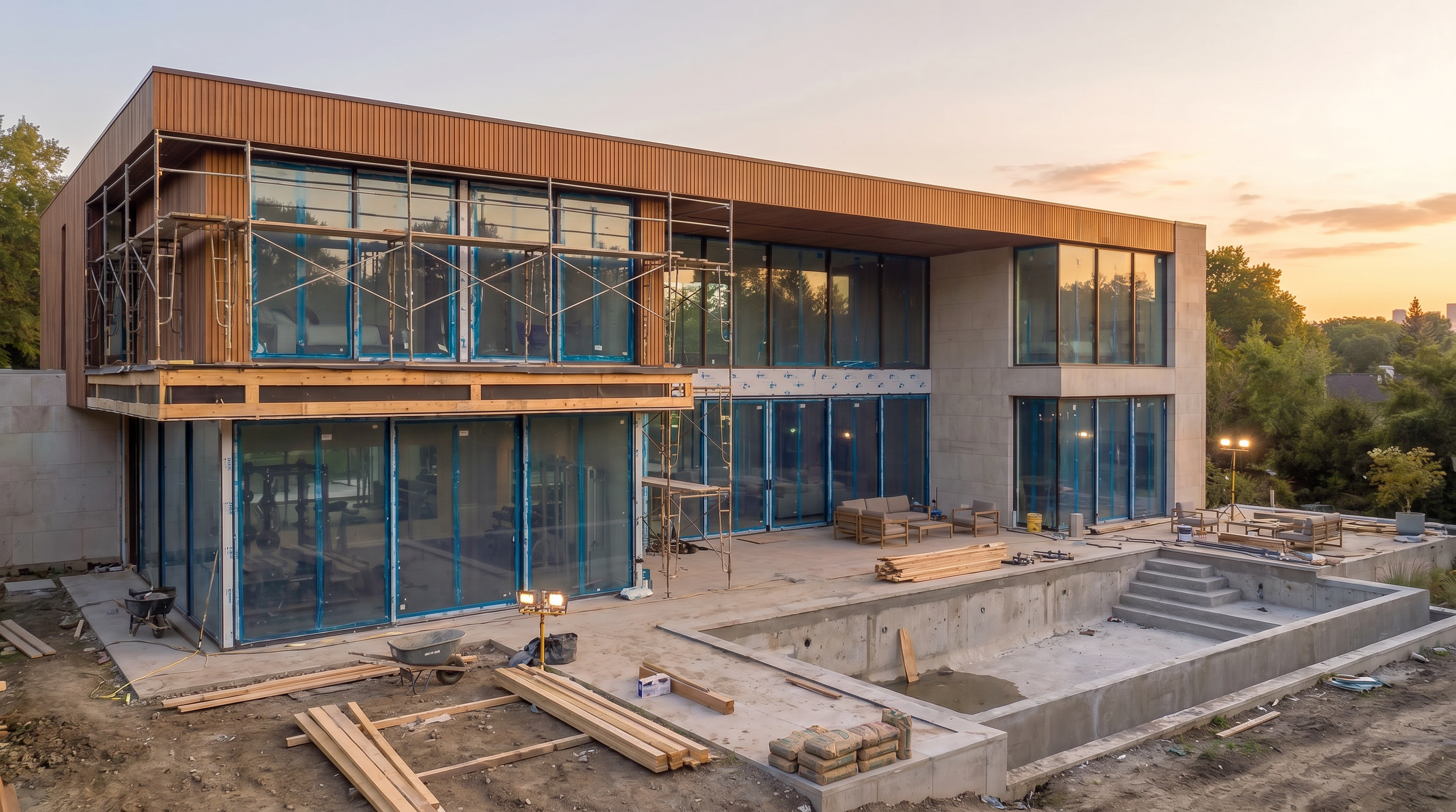
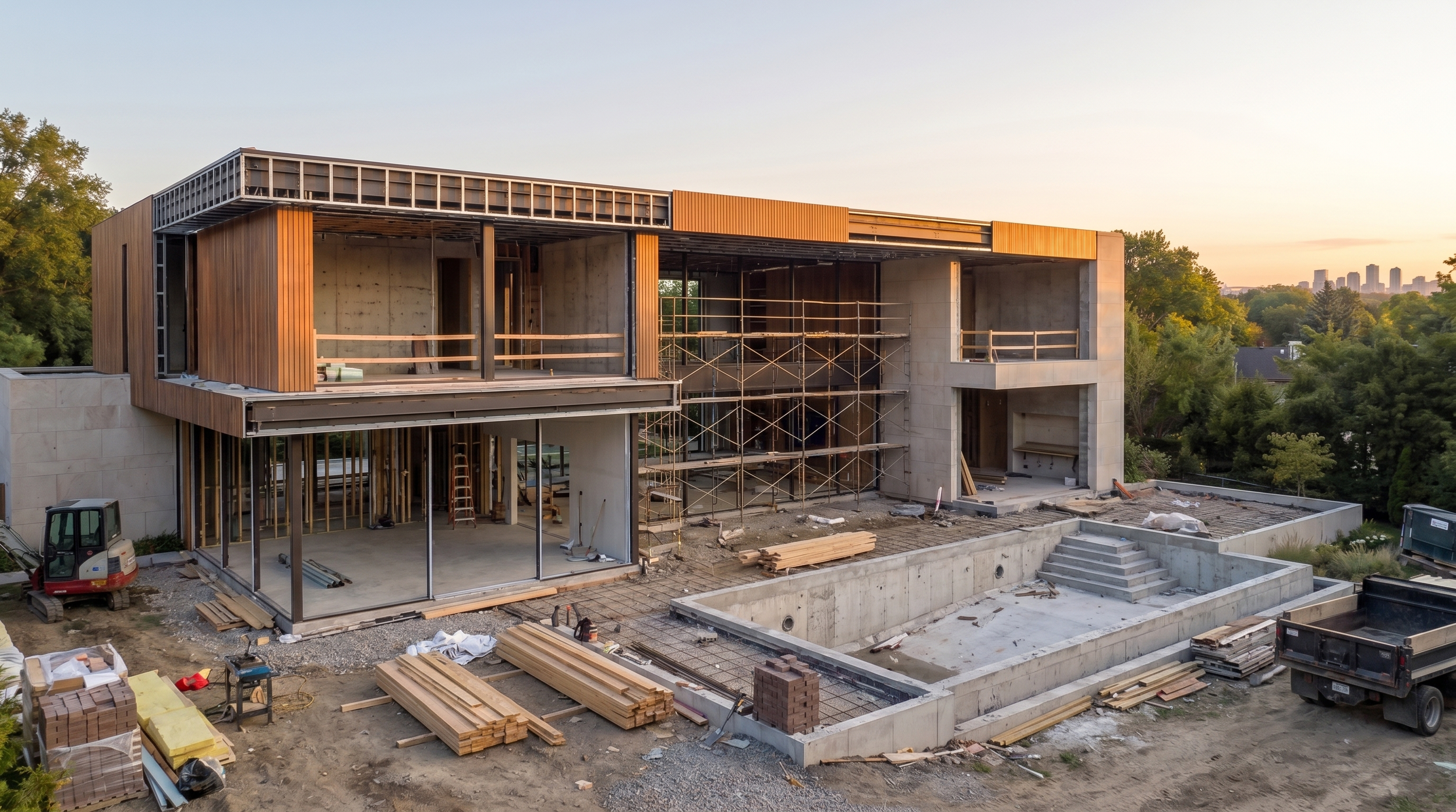
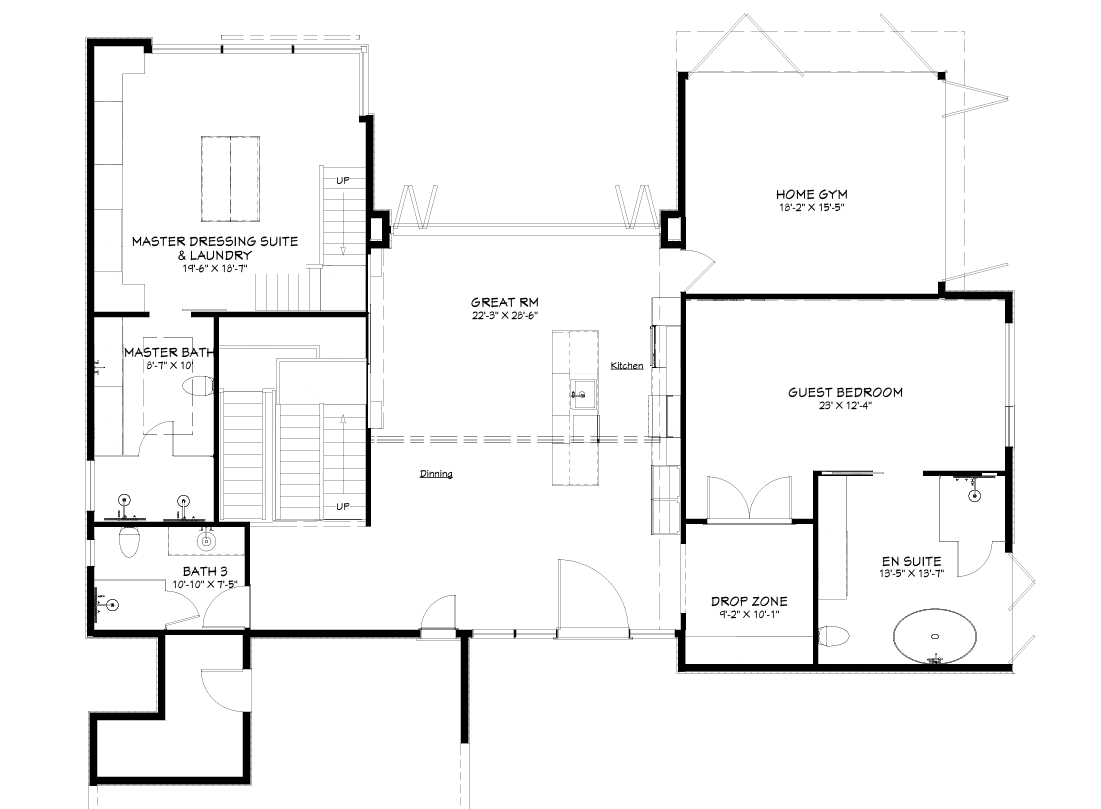
When a home is still under construction, traditional listing photos or Builder floorplans can’t show the finished result. Our pre-construction visualization helps builders, developers, and buyers understand how the home will look, feel, and flow once complete.
Help Buyers Visualize the Home Before It’s Built
❋ Sell Earlier
Start marketing with confidence and attract buyers before the home is complete.
❋ Show the Finished Vision
Bring floor plans to life so buyers can see the final look and feel of the home.
❋ Guide Clients Decisions
Help clients choose layouts and finishes with clarity and confidence.
❋ Present a Modern Experience
Deliver an interactive, impressive way to showcase your homes.
3D photo rendering’s

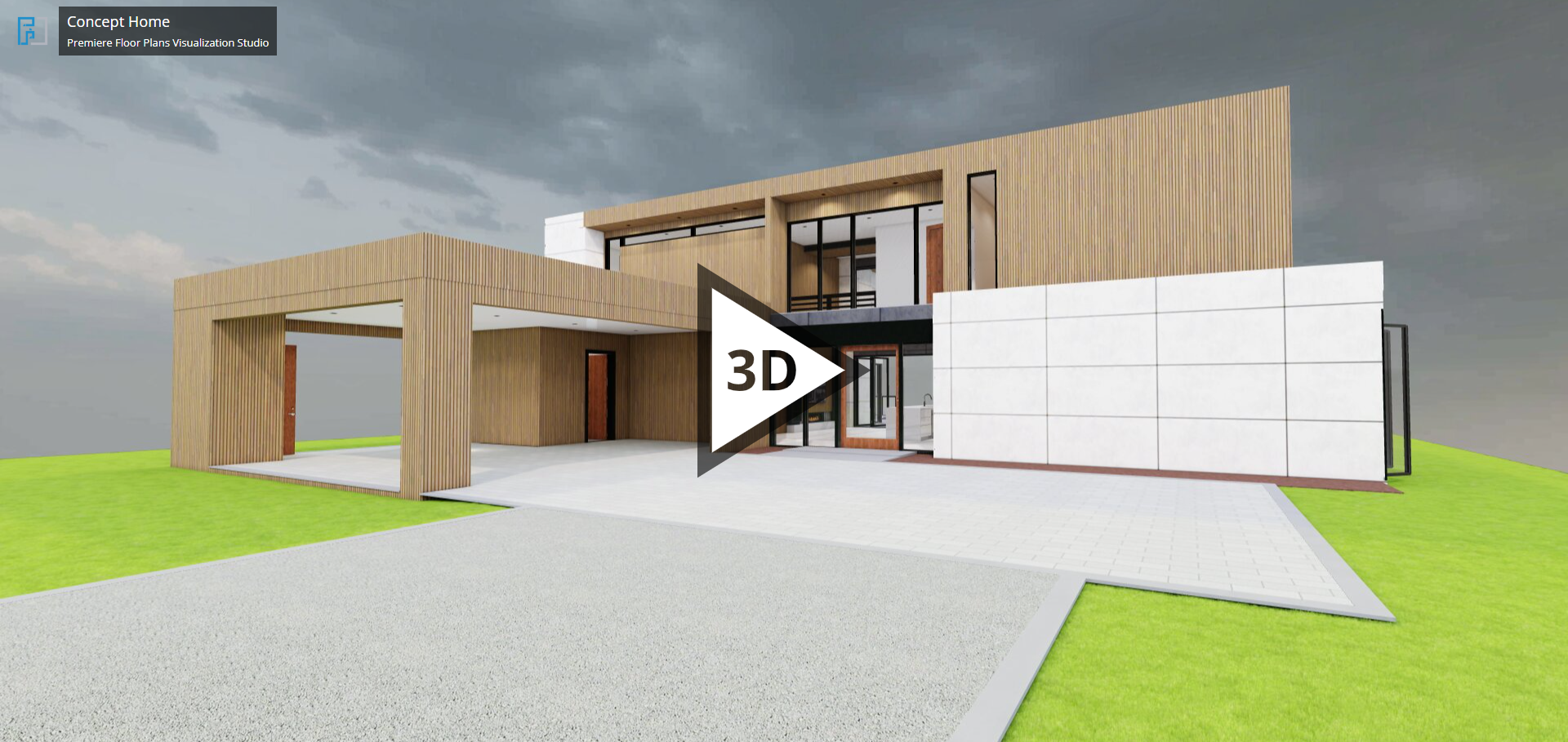
A Better Way to Present Custom Homes
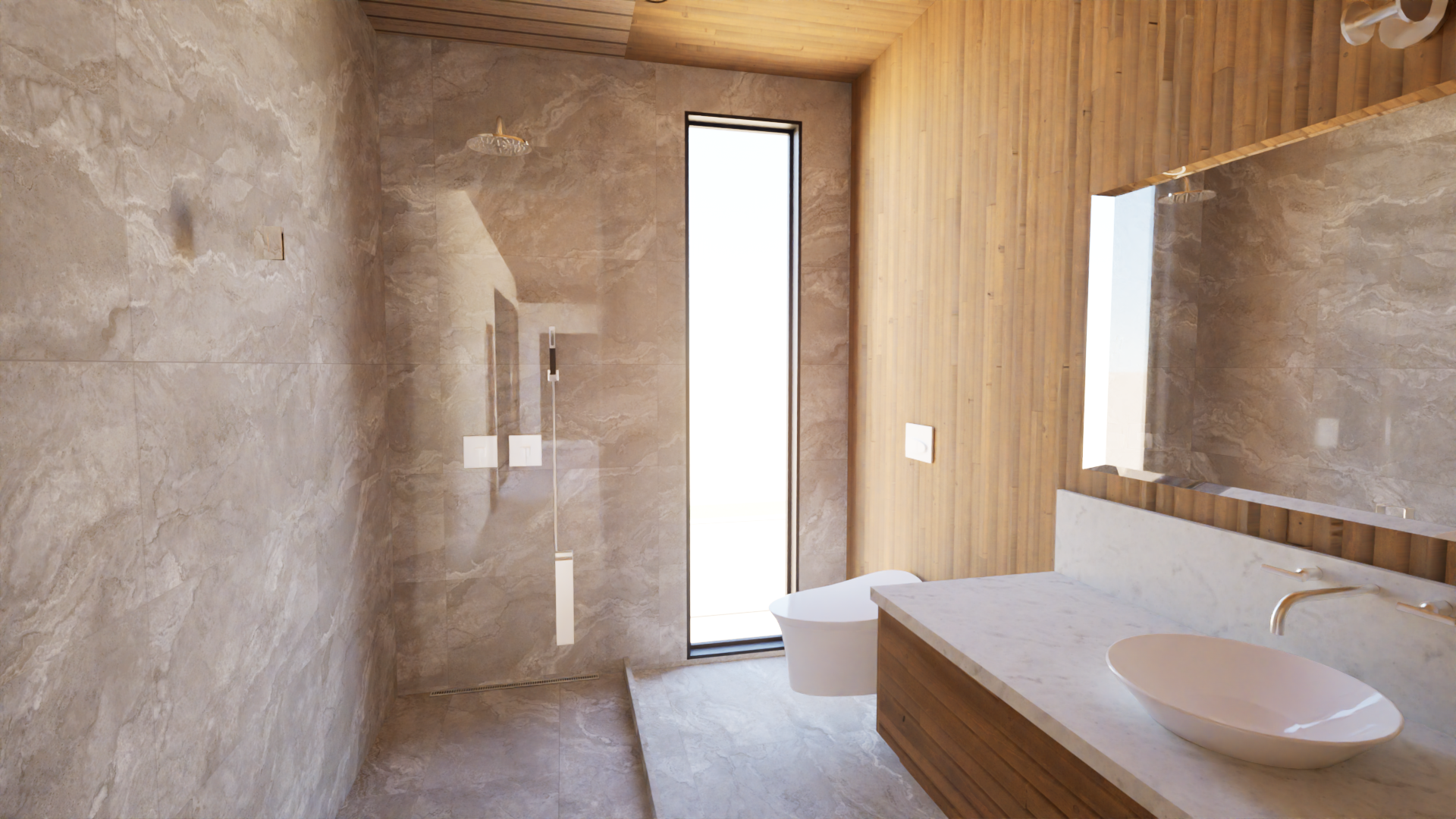
Our pre-construction visualization helps custom home builders communicate the full potential of their designs, Clients can explore room flow, layout, finishes, and overall appearance before construction is complete, reducing guesswork and increasing buyer confidence.
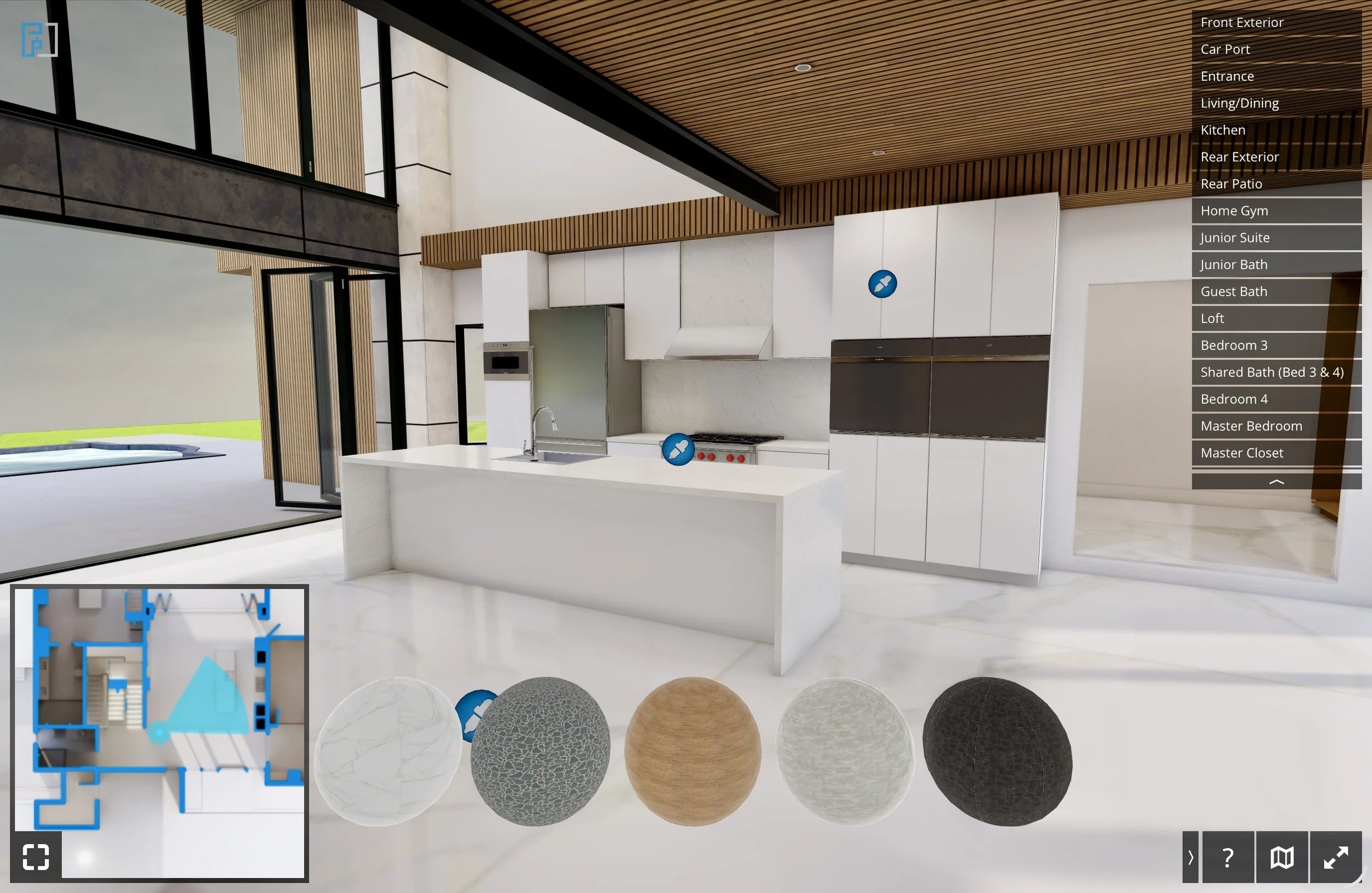
Make Material Selections Easier
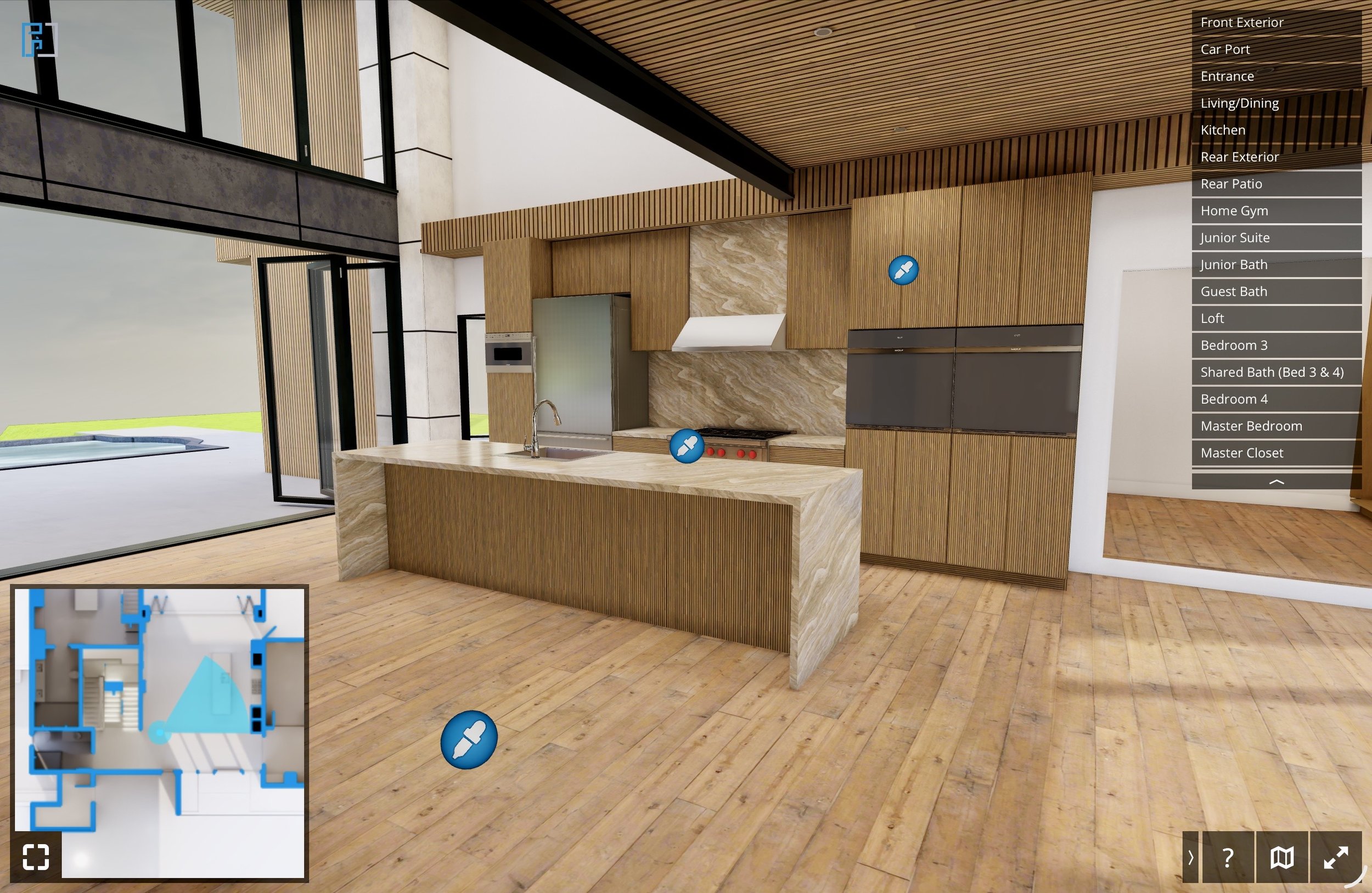
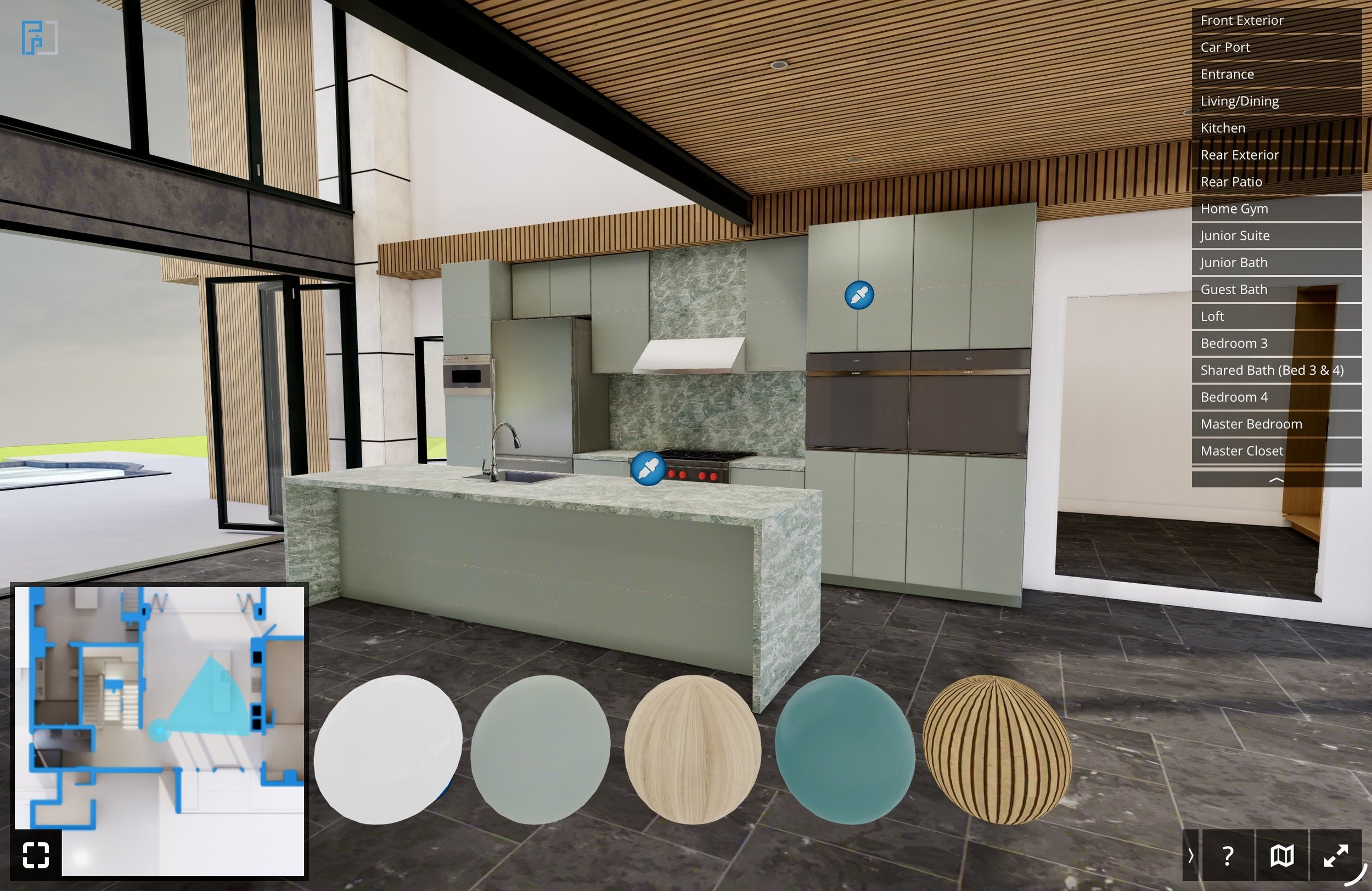
Instead of sorting through hundreds of isolated samples, clients can view flooring, cabinet colors, countertops, walls, and exterior finishes in a realistic digital environment.
Your clients can compare options on their own time, from home, and make decisions with a spouse or family member more confidently.
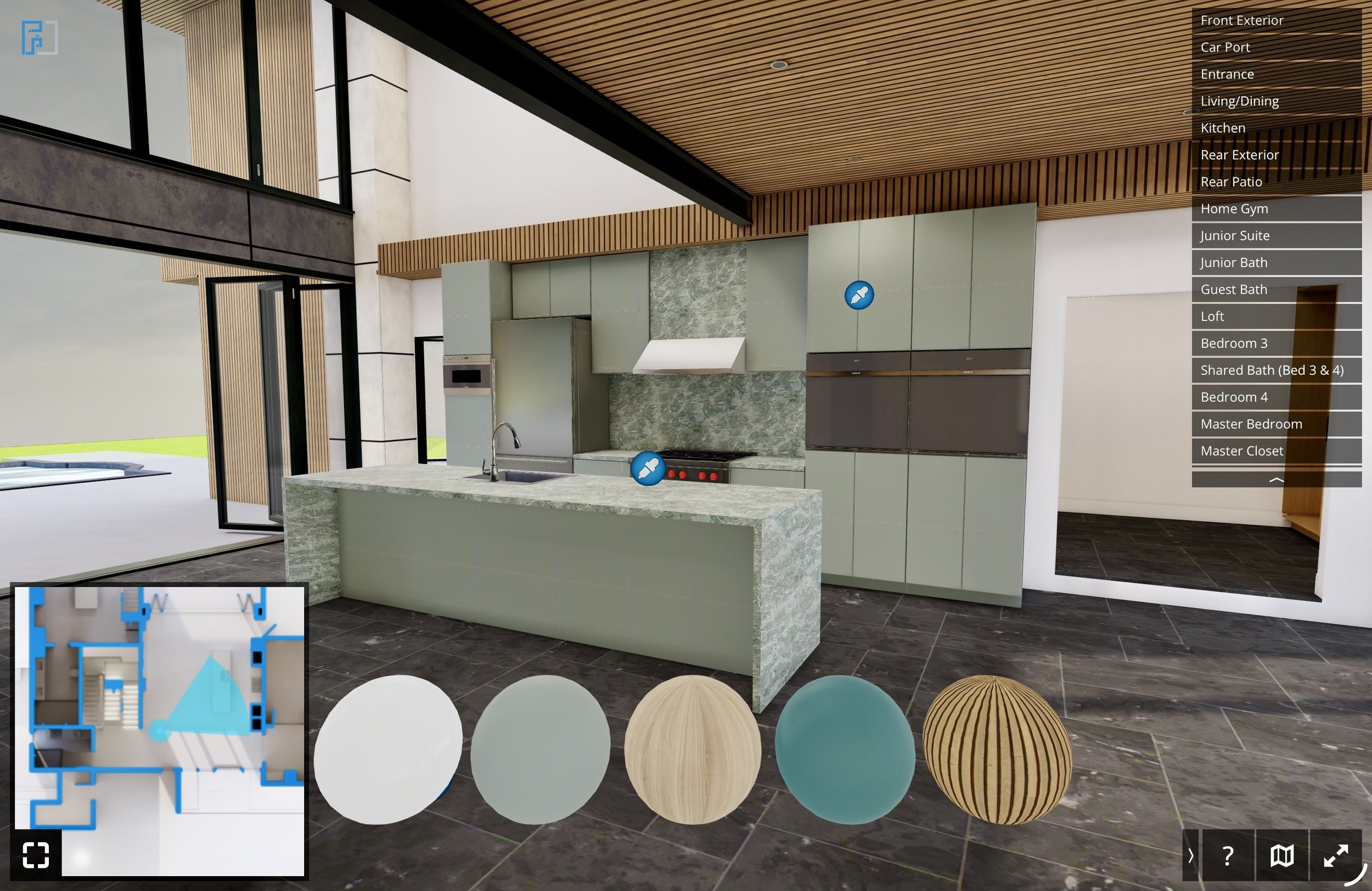
PRE-CONSTRUCTION VISUALIZATION
From Concept to Client Approval in Four Steps
Review the Model
Present the project in an interactive 3D environment so clients can better understand the layout, flow, and design direction.
Compare Finishes
Show flooring, cabinetry, counters, wall colors, and other selections in context before final decisions are made.
Confirm Selections
Give clients a clearer way to review options, discuss preferences, and approve selections with more confidence.
Share for Approval
Clients can send screenshots of their selected look, helping your team document decisions and keep the project moving.
Show It.
Compare It.
Approve It With Clarity.
Help clients visualize finish selections inside a realistic 3D environment before materials are finalized, ordered, or installed.
Clients can screenshot their preferred finish combination, giving your team a simple visual reference for approvals and selections.
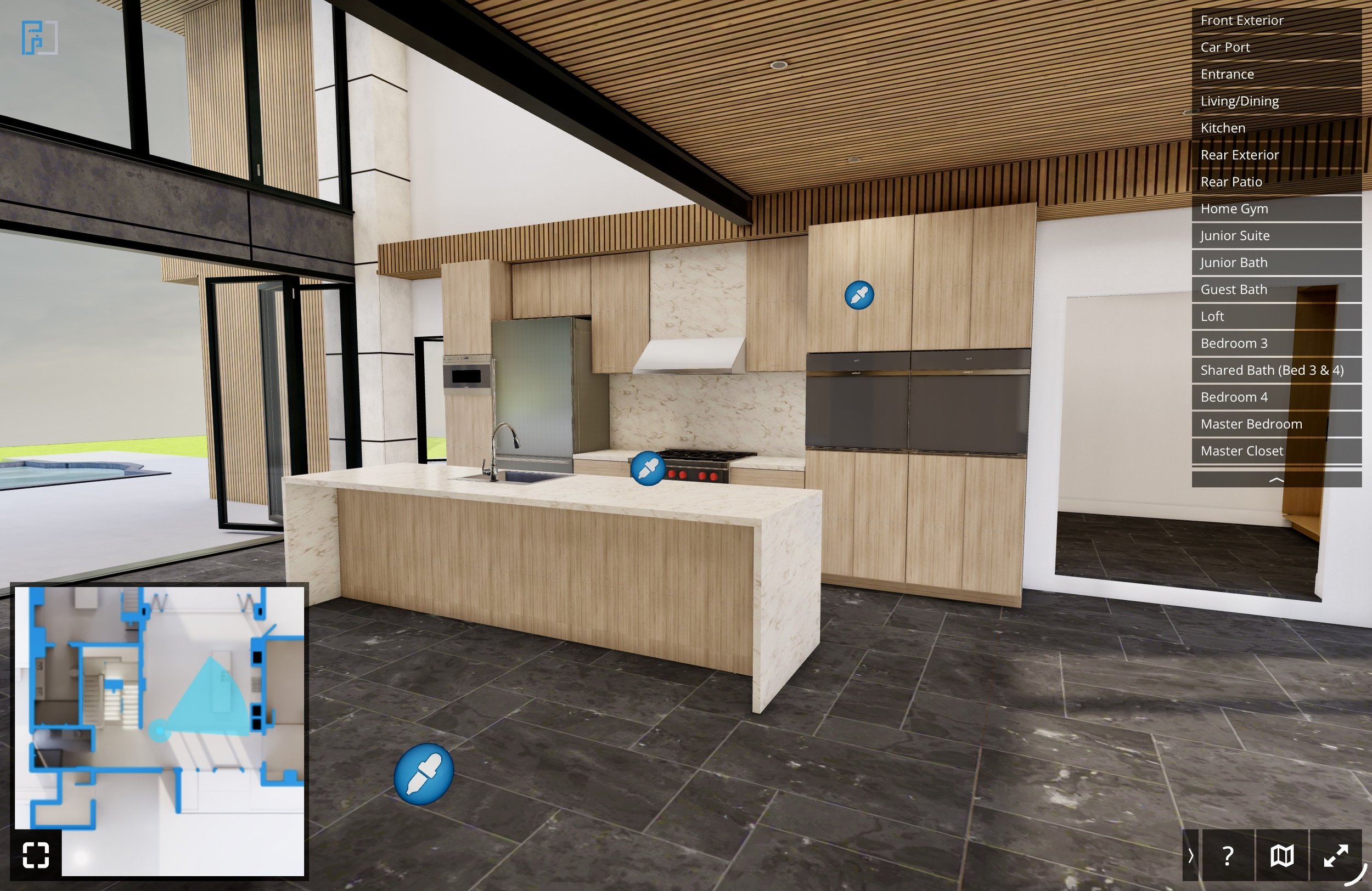
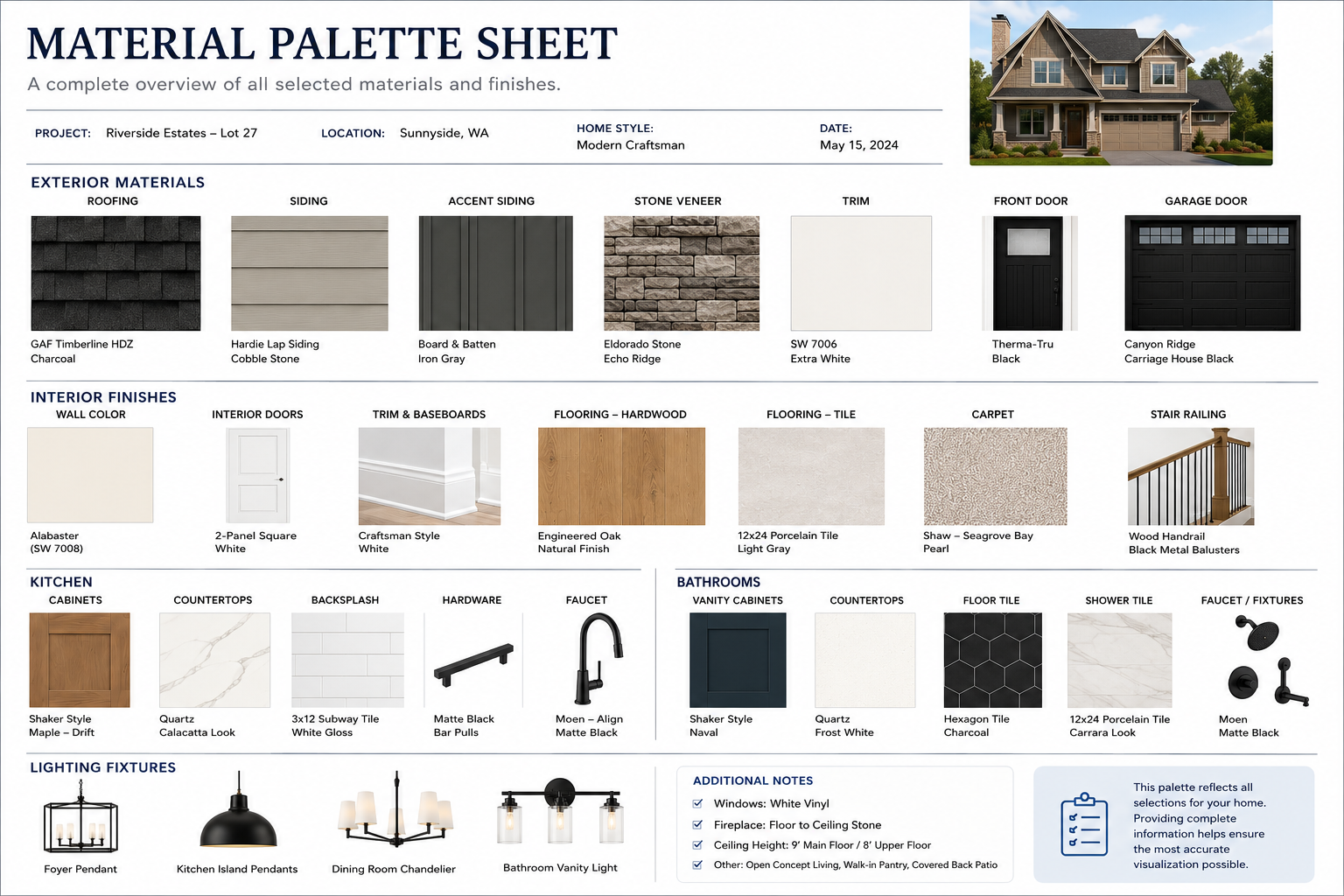
Material & Finish Documentation
Recommended options to provideThe more information you provide, the more accurately we can match your vision.
Example files commonly provided: